

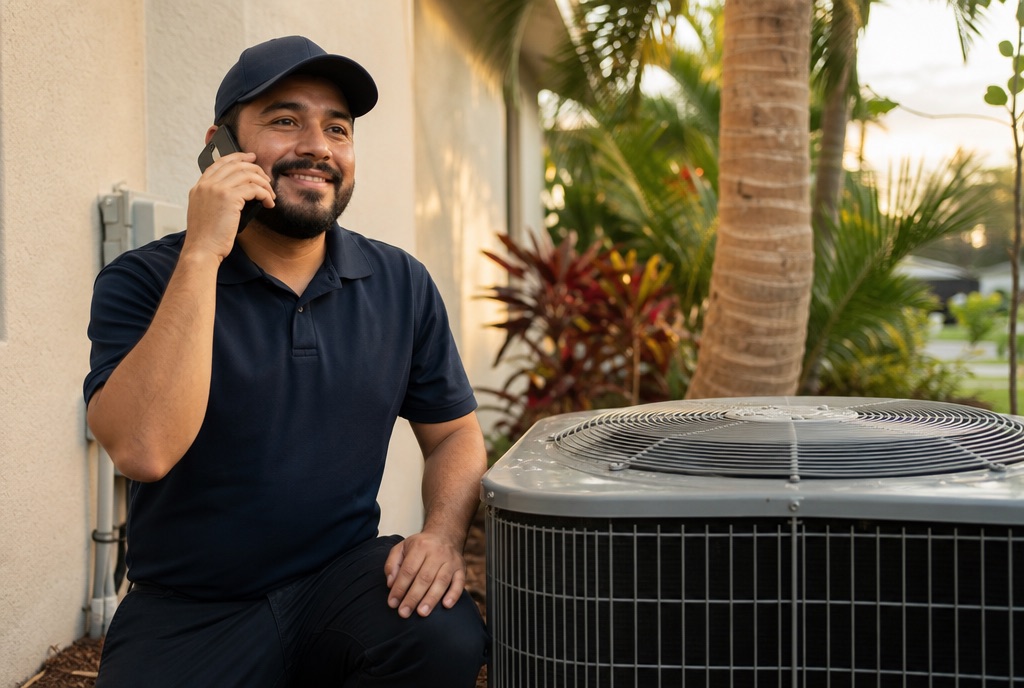
Picture a customer in Kissimmee at nine at night. The AC has stopped cooling, so they open Google Maps. Instead of scrolling through reviews, they tap Ask Maps and type: "Does anyone near me come out on Sunday, and do they give a quote first?" Maps answers in seconds. It may mention your business. It may not. Either way, you didn't write the words it uses about you.
This isn't a future scenario. Google has been replacing the old questions and answers on business profiles with answers written by AI. So the question for you is simple: do you know what Maps is telling people about your business?
What changed on your Google Business Profile
For years, Google Business Profiles had a Q&A section. Anyone could post a question, and anyone could answer it: the owner, a customer, or a complete stranger.
On December 3, 2025, Google announced in its Business Profile Help Community that it was changing that feature. Google said it had heard that customers found it hard to wade through all the questions. The new approach: customers ask directly in Google Maps and get an instant answer "based on your answers and relevant reviews." Instead of replying to dozens of individual questions, owners can answer aggregated questions, and Google uses those answers to respond to other people who ask something similar.
Then, on March 12, 2026, Google launched Ask Maps, a conversational experience powered by Gemini. Google says it draws on information from more than 300 million places, including reviews from more than 500 million contributors. It started rolling out in the U.S. and India on Android and iOS, and Google's help center now includes instructions for computers too.
Where Ask Maps gets its answers
Google hasn't published a complete list. Here is what it has said, and what others have observed:
- Your own answers. Google's announcement names the owner's answers as one basis for the AI answer.
- Reviews. Google names "relevant reviews" as the other. What your customers write, and how you reply, becomes raw material.
- Your profile and what Maps knows about the place. Google describes Ask Maps as tapping into Maps' fresh information about the world. Your hours, services, and description are part of that picture.
- Your website. Google's own guidelines say it can detect category information from your website and from mentions of your business across the web. An early analysis by Mike Blumenthal in Search Engine Journal observed Ask Maps leaning on profile data, reviews, and business websites before other sources.
- Other people's contributions. Google's help page says users can share tips, upload photos, or update information about places inside Ask Maps conversations.
And one warning, straight from Google: AI-powered answers "can sometimes be incorrect." Google tells users to double-check. Not every customer will.
If you don't answer, the AI answers anyway
This is the part that matters for your business. When your profile is silent, Ask Maps doesn't leave a blank. It fills the gap with whatever it finds: a review from three years ago, a guess based on your category, or a place nearby that does say what the customer wanted to hear.
If a customer asks who offers weekend service and only your competitor says so clearly, you can guess where the recommendation goes.
That's why we keep coming back to the same idea on this blog: your customers' objections are your raw material. Every doubt that makes someone hesitate before calling you is now a question someone will type into Maps. Your job is to make sure the true answer exists, in writing, in the places Google reads.
Start with the questions your customers really ask
Before you touch your profile, make a list. Not the questions you wish customers asked. The ones they actually ask.
- Go through your texts, WhatsApp messages, and missed-call callbacks from the last month.
- Ask whoever answers the phone what people want to know before they book, and what makes them say "let me think about it."
- Read your reviews, good and bad, and underline every sentence that answers a question.
- Write down the exact words. A homeowner in Orlando types "AC blowing warm air," not "HVAC diagnostics."
- Keep a separate list for customers who speak Spanish. Their questions are often different.
Twenty real questions are worth more than any keyword tool.
What your customers ask, and where each answer should live
| What your customer asks | Where the answer should live |
|---|---|
| "Do you come out on weekends or for emergencies?" | Regular and special hours on your profile, the service description, and a clear line on your website |
| "Do you serve my area?" | The service area on your profile and a page on your website that names the areas |
| "Do you do this exact job?" | Your services list, each with a plain description in the customer's words |
| "Are they any good?" | Reviews, your replies to them, and photos of real work |
| "Do they speak Spanish?" | Your description, your website, and review replies in the language the customer used |
| "What happens if something goes wrong?" | A frequently asked questions section on your website, with your real policy |
| "Is there parking? Is it accessible?" | Profile attributes and photos of the entrance |
Google's help center says that when customers search for a service you offer, that service may be highlighted on your profile. A services list full of vague names like "General services" wastes that chance.
Your review replies are now part of the answer
Because Google says AI answers draw on relevant reviews, a review is no longer just something the next customer might read. It is something the AI might summarize.
That makes your replies count for more. If a review says "they didn't come on Saturday," and you do work Saturdays by appointment, say so in your reply, kindly and with the facts. Google's help center notes that replies are public and that the reviewer is notified. You are writing to that customer and, at the same time, to everyone who asks about the same thing later.
So write each reply for the person who left the review. A reply that could fit any business clears up nothing.
Check what Maps says about you every month
Put it on your calendar, the same day every month:
- Open Google Maps and tap Ask Maps.
- Ask the questions from your list, both about your type of business in your area and about your business by name.
- Ask in English and in Spanish.
- Take screenshots. Compare every answer with the truth.
- When something is wrong, find the source: your profile, an old review, your website, a directory. Fix the source.
- Report the incorrect answer with the thumbs-down button, as Google's help page explains.
Where does AI help here? We use it to group dozens of reviews by topic and spot repeated questions quickly. What it cannot do is decide what is true about your business. That takes a person who knows it.
Questions to ask any agency before you hire one
- How will you find out what my customers ask before they book?
- Who checks what Google Maps says about my business, and how often?
- When an AI answer is wrong, how do you trace it back and fix the source?
- Who writes the review replies: a person who knows my business, or a tool?
- Will my profile and my website say the same thing, in English and in Spanish?
- What will you change next month, based on the new questions customers ask?
If all they talk about is keywords and categories, they are optimizing for the old Maps.
The short version
Google Maps now answers questions about your business with AI, based on your answers, your reviews, and what Maps knows about you. You can't write that answer yourself. What you can do is make sure the truth is written down, clearly, in your profile, your review replies, and your website, and then check every month what Maps is actually saying. The questions your customers ask are your plan.