

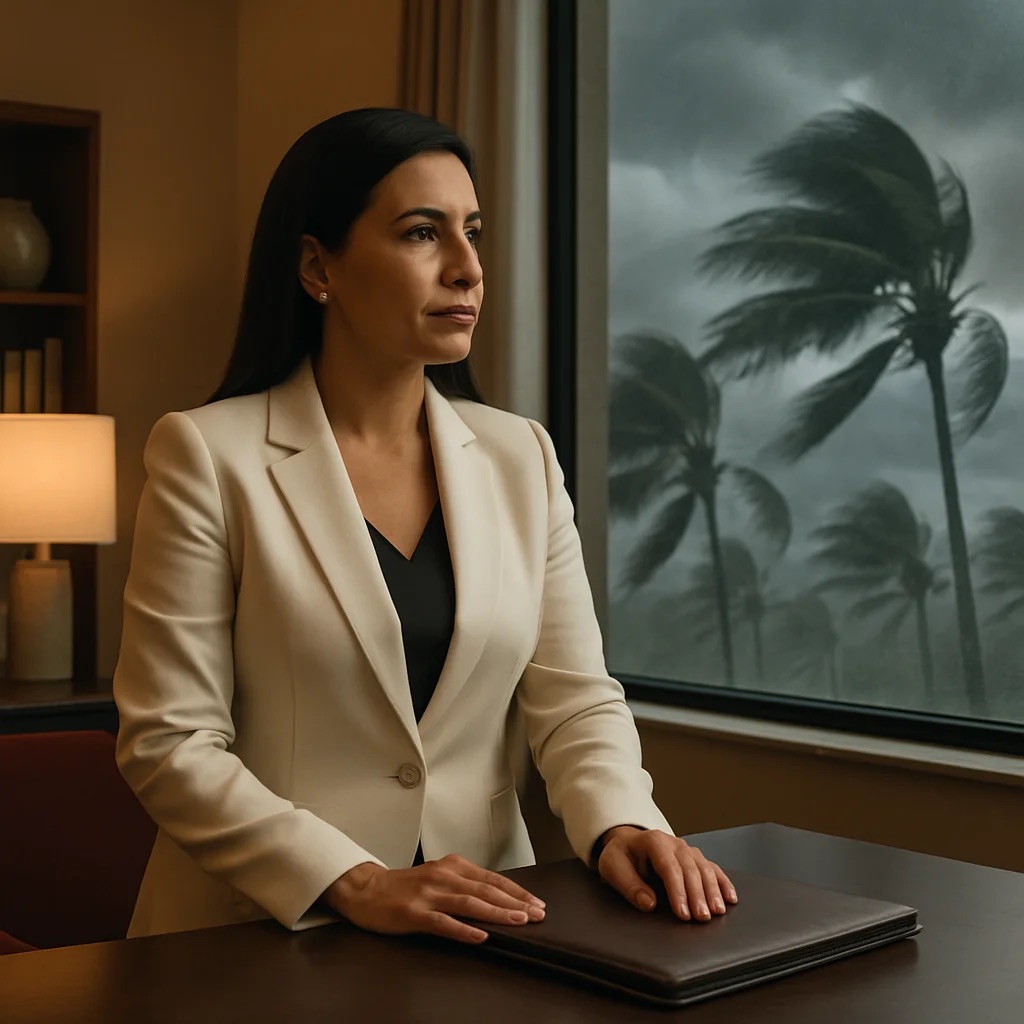
When a hurricane is heading for Florida, updating your Google business hours is the last thing on your mind. You are securing the shop, checking on your team and taking care of your family.
That is exactly when your customers are searching. "Is the clinic open tomorrow?" "AC repair open now." "Is my salon appointment still on?"
If your profile still shows regular hours, they drive to a locked door or call a phone nobody answers. If it still says closed a week after you reopened, they call the competitor who looks open. Either way, you did not lose that customer to the storm. You lost them to information that fell behind your business.
Why October still counts
The Atlantic hurricane season runs from June 1 to November 30, according to the National Hurricane Center (NHC) and the Florida Division of Emergency Management. The NHC places the peak around September 10, with most activity between mid-August and mid-October. October is still inside that window.
NOAA's updated outlook, issued August 6, 2026, gives a 75% chance of a below-normal season. The same outlook adds a warning worth keeping: "It only takes one hurricane (or tropical storm) to cause a disaster."
So a quiet forecast is no reason to skip this. Everything below is easy on a calm day and much harder the night before a storm.
Special hours or Temporarily closed: which one to use
Your Business Profile gives you two options, and they do different jobs.
Special hours are for short changes. Google's help says to use them when your hours change for a brief period or you close for up to six days in a row. Your regular hours stay as they are, so there is nothing to undo later. One detail: special hours only show if your profile is set to "Open with main hours."
Temporarily closed is for longer closures. Google says to use it if you will be closed seven or more days in a row, or for an unknown period. It comes with a trade-off: Google explains that for broad searches, temporarily closed businesses can rank after open ones. It is the right tool for a long closure, and an expensive one to forget.
Permanently closed is for businesses that are not coming back. A storm is not that. Leave it alone.
Whether you run a clinic in Kissimmee or a restaurant in Orlando, the rule is the same: if you expect to reopen within a few days, set special hours for each affected day. It is the simpler option, with less to undo.
Set this up now, while it is calm
This is the part almost nobody does, and the part that makes the difference.
- Two people with access. If the only person who can edit the profile has no power or no signal, nothing gets updated. Google lets you add owners and managers. A manager can edit your information and publish posts but cannot add or remove users. Add someone you trust as a manager, and never hand out your password.
- Messages written in advance. Ready.gov recommends preparing messages "as templates with blanks to be filled in." Write three: we are closed, we are open with limited hours, we are open again. Write them in English and in Spanish, each one native, not machine-translated.
- Your list of booked customers. For the next two weeks, know who is booked, their phone number and the language they prefer.
- A place for a notice on your website. A banner at the top of your home page that someone can switch on in minutes, without waiting for a developer.
- Who decides. Agree ahead of time on who calls the closure and who publishes it.
The Florida Division of Emergency Management also encourages every business to build a disaster continuity plan. This communication checklist belongs inside that plan. It does not replace it.
Before, during and after: what to update where
| Where | Before the storm | During the closure | After you reopen |
|---|---|---|---|
| Google Business Profile | Two people with access; regular hours correct | Special hours for each closed day, or Temporarily closed for seven days or more; a post with dates and how to reach you | Switch back to Open with main hours; review future special hours; post that you are open |
| Website | Notice banner ready; hours page correct | Banner on: closed dates, contact channel, when you will update | Banner says you are open; remove old dates |
| Social media | Messages ready in both languages | Short post with the same dates as Google | Reopening post with a real photo of your team back at work |
| Booked customers | List with phone and language | Personal message with the new status and a way to reschedule | Confirm the new date and thank them |
A note on posts: Google reviews each post against its content policy, and a post can sit as "Pending" before it goes live. Publish the closure post as soon as you decide, not at the last minute.
Say the same thing everywhere
Ready.gov puts it simply: one goal of crisis communication is "to make sure that messages are consistent."
If Google says you close Thursday, your website says Friday and Instagram says nothing, the customer does not know what to believe. Use the same dates, the same phone number and the same update channel everywhere.
Customers are not the only ones reading. Search tools and AI assistants that answer "is this place open?" draw on the same profile and website. If your sources contradict each other, so will their answers.
Reopening: the step everyone forgets
The storm passes. You are cleaning up, calling your team, catching up on work. Meanwhile the profile stays marked closed for days, and new customers go elsewhere.
Build reopening into the plan:
- In your profile, go to Hours, choose Open with main hours, check your days and times, and save.
- Review the special hours you set for future dates and delete the ones that no longer apply.
- Publish a short post: you are open, these are your hours, this is how to book.
- Answer the messages and reviews that came in while you were closed.
After a storm, customers ask new questions. "Do you have power?" "Are you taking new appointments?" "Is the parking lot clear?" Those questions are your content for the week: the reopening post, a line in your service description, a reply to a review. That is what keeping a profile true to your business looks like in practice.
Where AI helps, and where it does not
AI can draft your three messages in minutes, adapt them for each channel and check that the dates match everywhere. That speed is real.
What it cannot know is whether your street flooded, whether your technician can reach the job or which longtime customer needs a phone call instead of a text. A person who knows the business decides what is true today. AI helps say it faster.
This article covers how you communicate a closure. For decisions about insurance, contracts or paying your team during a closure, talk to your insurance agent, accountant or attorney.
Questions to ask any agency before you hire
If someone manages your profile or your social media, ask them before the next storm:
- If a storm is coming and I lose power, who updates my profile, and how quickly?
- Are you added as a manager, or do you need my password? (The right answer is manager.)
- Are the closure and reopening messages written before the season, in English and Spanish?
- How do you make sure my profile does not stay marked closed after I reopen?
- Will my profile, website and social media show the same dates?
If they have never thought about it, you just learned something important.
The short version
Hurricane season runs through November 30, and a quiet forecast does not cancel it. For a short closure, use special hours. For seven days or more, or an unknown period, use Temporarily closed. Put the same dates on your website, your social media and a personal message to every booked customer. Set up the messages and the access now, while it is calm. And the day you reopen, switch the profile back to open before anything else.